Tyrian
Overview
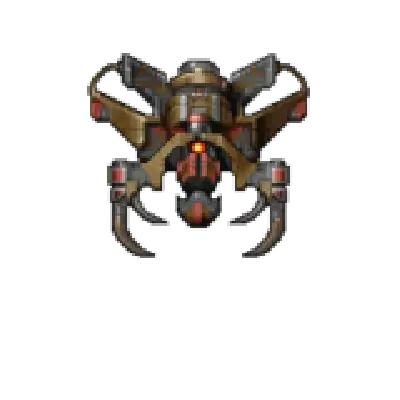
Tyrian is the shareware/registered shooter bundled as a native port. REG-Linux classifies it under the ports group, so the experience uses the same navigation, overlays, and controller pipeline as the other PC engines.
Quick reference
- ROM folder:
/userdata/roms/tyrian - Accepted format:
.game - Emulator:
tyrian - System group:
ports
Game data
Install the Tyrian package from the Content Downloader or extract the official shareware/retail build into /userdata/roms/tyrian/. The folder should include the .game launcher plus the data files so the binary can read levels, sound, and sprites without any extra conversion.
Engine
Tyrian
The native Tyrian binary uses the provided data. It respects the standard Quick Menu overrides ([HOTKEY] +  ) for video scaling, shaders, and controller remapping. Toggle fullscreen, adjust aspect, or remap keys from that menu if necessary.
Controls
Tyrian ships with keyboard and controller presets. Map movement, fire, and bombs via the in-game controls menu or use /remapping_controls_per_emulator when you want to swap actions to other buttons.
Troubleshooting
- Ensure
/userdata/roms/tyrian/contains the.gamedirectory created by the downloader; nested folders prevent the scraper from finding the entry. - Delete
/userdata/system/configs/tyrian/to rebuild settings when switching between the shareware and registered data sets.