OpenLara

Overview
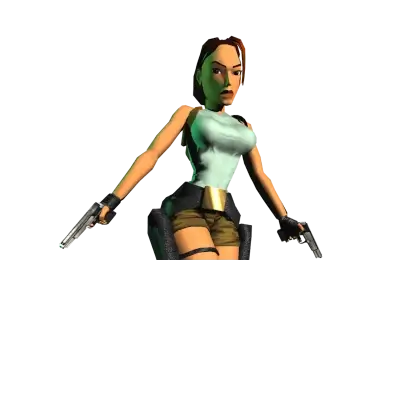
OpenLara is the open-source reimplementation of the original Tomb Raider engine. It uses the original Tomb Raider I assets while providing modern rendering and controller support. REG-Linux treats it as a ports title, keeping the gameplay separate from console listings.
Quick reference
- ROM folder:
/userdata/roms/openlara - Accepted format:
.croft - Emulator:
openlara - System group:
ports
BIOS
OpenLara requires no BIOS files.
Game files
Copy the entire Windows installation of Tomb Raider I into /userdata/roms/openlara/croft/. The directory should include the sound and data folders as well as london.dat or other level packs depending on your edition.
Create a placeholder file at /userdata/roms/openlara/OpenLara.croft to let EmulationStation register the ROM entry. Keep the folder structure intact so OpenLara can find the .bin files it expects.
Emulators
OpenLara
The openlara binary automatically scans the croft directory and loads the original assets. Use the Quick Menu for video overrides, gamma adjustments, or to swap between the Tomb Raider 1 and Unfinished Business builds.
Controls
The port centers on keyboard + mouse, but you can map actions to a controller through the Quick Menu or by editing the OpenLara config file. The default overlay matches the classic Tomb Raider layout.
Troubleshooting
- If OpenLara refuses to load, ensure the
croftfolder contains the files from your installed game (TR*.BIN,MODELS,ANIM, etc.). - Delete
/userdata/system/configs/openlara/and rerun the game to regenerate settings when switching between releases.