Uzebox

Overview
Uzebox is an open-source minimalist console driven by the Atmel ATmega644 microcontroller. REG-Linux treats it as the uzebox system so the libretro Uzem core can load the tiny homebrew ROMs designed for the platform.
Technical specifications
- CPU: Microchip PIC32MX360F512L (32-bit MIPS) running at 80 MHz.
- Memory: 512 KB flash for programs plus 32 KB data RAM and 16 KB of video RAM for tile maps.
- Display: Tile-based 320×240 (or stretched) display rendered by MCU-driven video engine with hardware sprites.
- Sound: Two-channel audio mixer using DAC output with PWM-driven sample playback.
Quick reference
- ROM folder:
/userdata/roms/uzebox - Accepted formats:
.uze - Emulator:
libretro: uzem - System group:
uzebox
ROMs
Download games from http://uzebox.org/wiki/Games_and_Demos and drop the .uze files into /userdata/roms/uzebox. Each ROM functions as a standalone cartridge; zipped packages should contain nothing but the .uze file.
Emulators
RetroArch / Uzem
libretro: uzem handles the bare-metal console, exposing Quick Menu settings such as uzebox.gfxbackend, uzebox.audio_latency, uzebox.video_threaded, uzebox.vsync, and uzebox.rewind. Use [HOTKEY] + south face button to adjust rendering, filters and controller mapping on the fly.
Controls
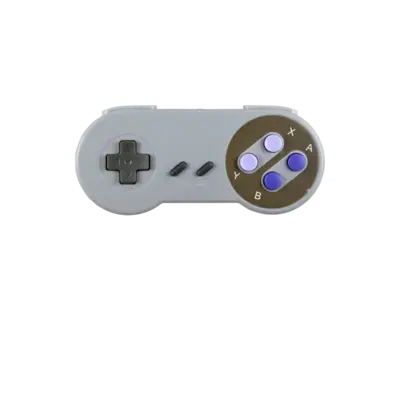
Uzebox games mimic the NES pad layout. Refer to
https://raw.githubusercontent.com/batocera-linux/batocera-controller-overlays/master/solid-4k/uzebox.png
for the default mapping and customize inputs via /remapping_controls_per_emulator.
Troubleshooting
- Confirm each ROM has the
.uzesuffix and avoids nested folders inside zipped archives. - If performance is choppy, verify that no extra shaders or filters are forced in the Quick Menu.
- For general inquiries, the generic support pages provide additional guidance.